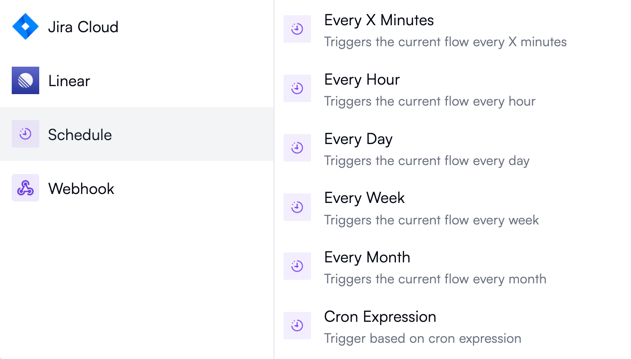
Every X minutes
Use this if you want your workflow to run more often than once per hour: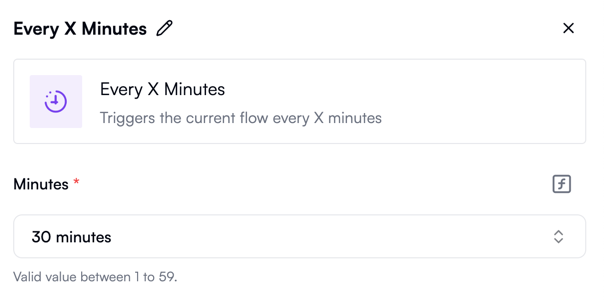
Every hour
Use this to run your workflow exactly once an hour. By default, it only runs on weekdays, but you can optionally set it to run on Saturdays and Sundays as well: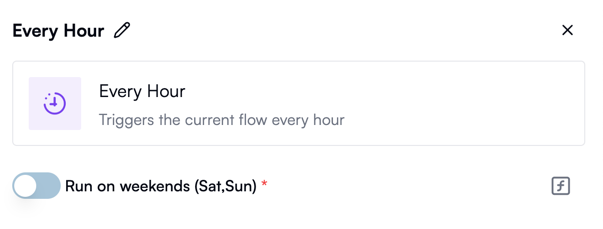
Every day
Use this to run your workflow every hour, on the hour, in a specific time zone, every working day. Optionally, you can choose to also run on weekends:
Every week
Use this to run your workflow on a specific day and hour of the week: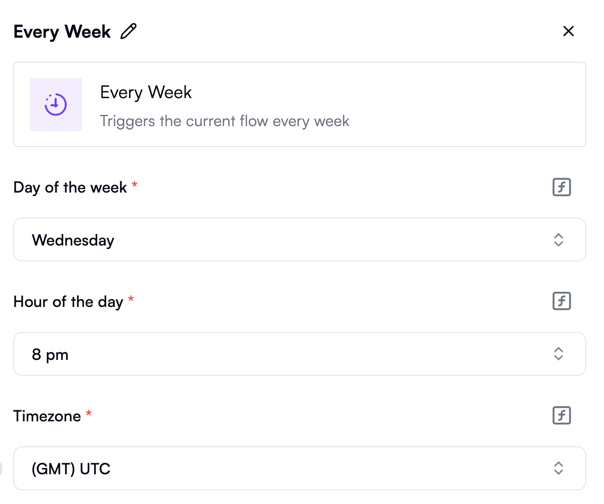
Every month
Use this to run your workflow once a month on a specific day and at a specific time: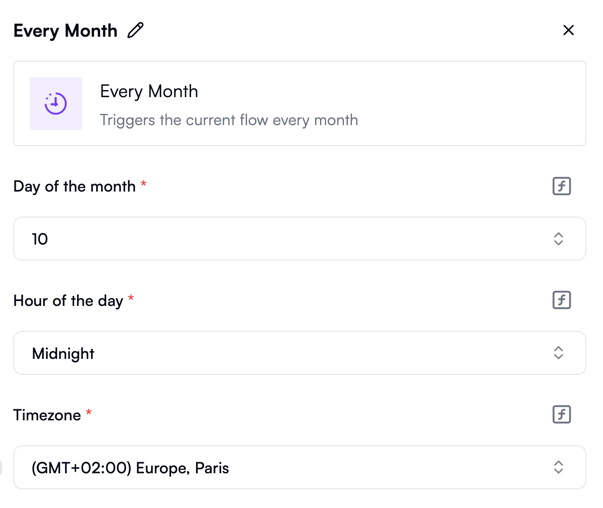
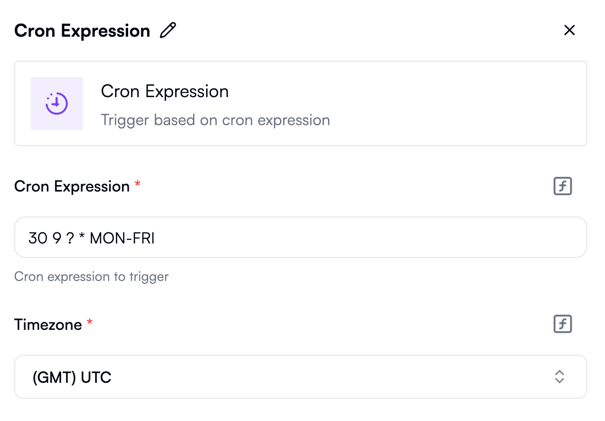
Cron expression
Use this trigger with the cron syntax for custom scheduling that can’t be expressed with other triggers: