

Decide
These actions help control the sequence of operations in your workflow and make decisions based on inputs:- Condition: split the workflow into exactly two branches based on a condition.
- Split: split the workflow into multiple branches based on a condition.
- Loop on Items: iterates sequentially over a list. Each iteration runs independently and may finish, fail, or pause, but the loop continues with the next item. After all iterations, the loop’s final state reflects the outcomes: if any iterations fail, the loop fails; if any pause, the loop pauses until they resume. Workflow-wide limits (timeouts or size limits) can also halt execution.
- Delay: pause workflow execution for a specified time period or until a specific time. Stop Execution: stops the execution of the current scope. When used inside a loop, this action skips to the next iteration; otherwise, it ends the entire workflow. This is useful in conditional branching when a branch represents a condition that ends the workflow early.
Get data
These actions help you retrieve data from cloud resources, third-party services, APIs, and other sources.- Cloud provider integrations:
- AWS: includes multiple actions related to AWS resources such as EC2, EBS, and RDS, as well as a CLI action to execute commands that are not available as dedicated actions.
- Azure: execute Azure CLI commands.
- Google Cloud: execute Google Cloud CLI commands, run SQL queries on BigQuery.
- Recommendation and analytics service integrations:
- Archera: retrieve available and recommended commitment plans for cloud providers.
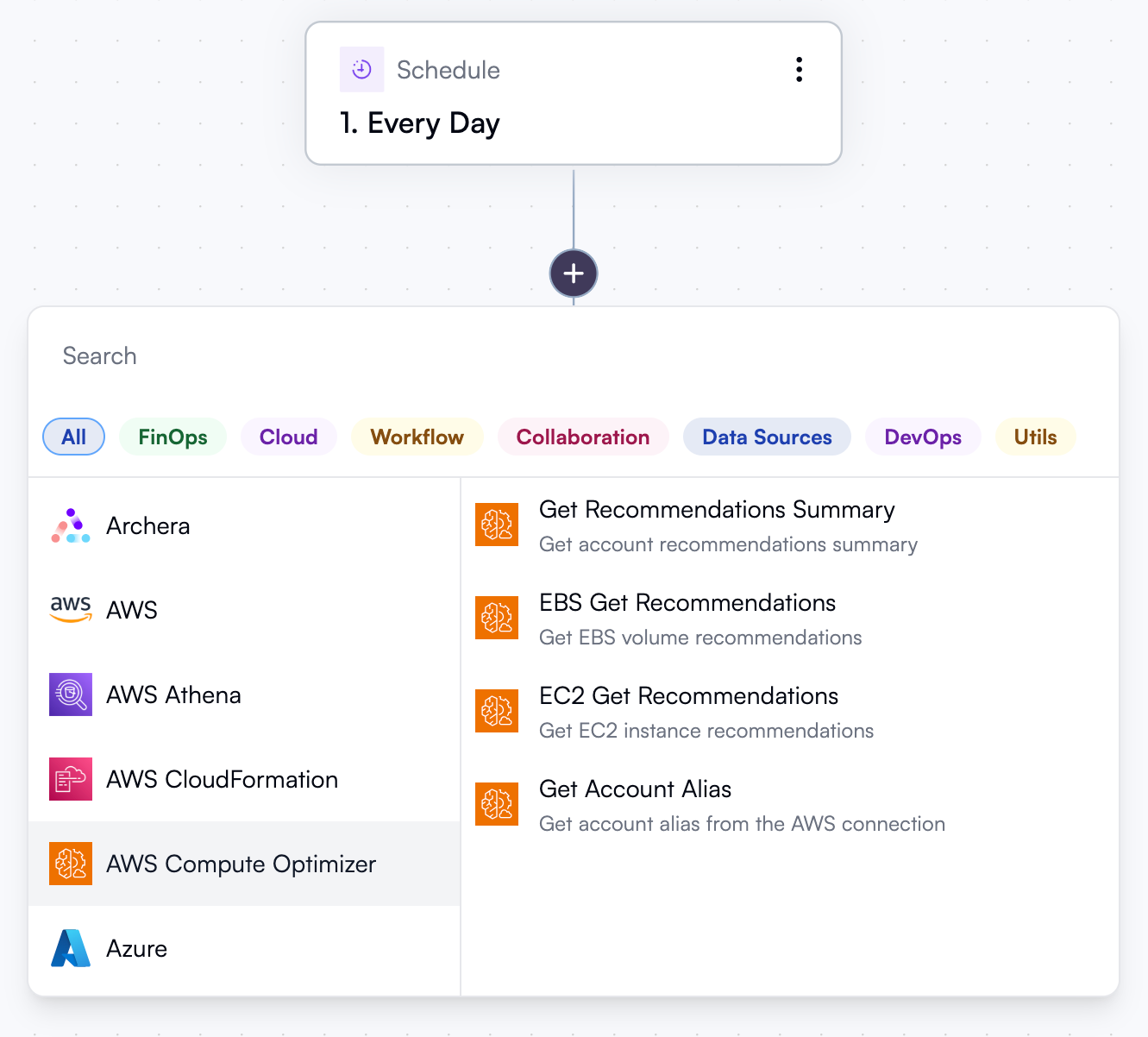
- AWS Compute Optimizer: retrieve a summary of recommendations, as well as EBS- or EC2-specific recommendations.
- Azure: get Azure Advisor cost recommendations.
- CloudFix: get recommendations and reports, or create change requests.
- CloudHealth: get recommendations, search assets and retrieve asset perspectives, or manage asset tags.
- CloudZero: make API calls to fetch telemetry, billing data, budgets, insights, and more.
- Cloudability: retrieve, snooze and unsnooze recommendations.
- Finout: get view data and recommendations, manage virtual tags.
- Flexera: retrieve active recommendations and incidents.
- Flexera Spot: fetch clusters and make custom API calls.
- Google Cloud: get recommendations from selected Google Cloud recommenders.
- Kion: perform API calls to manage billing sources and cloud rules, get reports, and more.
- Pelanor: perform API calls to fetch reports, apply dimensions, monitor anomalies, and more.
- Ternary: fetch usage recommendations, retrieve budgets and anomalies, get and create cases and users.
- Umbrella (formerly Anodot): get recommendations, manage comments, get user accounts, update user status.
- Vantage: perform custom API calls.
- Vega Cloud: get anomalies, perform API calls to fetch recommendations or forecasts.
- AWS Athena: run Athena queries.
- Snowflake: run individual or batch Snowflake queries.
- Databricks: run SQL queries in Databricks workspaces and trigger existing jobs.
- File operations: create or read files in OpenOps storage.
- HTTP: send HTTP requests to any API or respond to HTTP requests.
Process data
These actions allow you to apply various transformations to data received from previous workflow steps.- List operations: process a list (array) output from another workflow step by grouping, mapping, or extracting values.
- Date operations: format dates, extract individual date units (year, month, day, hour, etc.), or calculate date differences.
- Math operations: perform arithmetic operations, average numbers, find minimum and maximum values, or generate random numbers.
- Text operations: concatenate, split, find and replace text, and convert between HTML and Markdown.
- Code: execute custom code in TypeScript or JavaScript. AI assistance is available to help you generate and insert code for actions of this kind.
Request human intervention
These actions implement Human-in-the-Loop processes: requesting approvals and sending notifications.- Approval: request approval with or without pausing the workflow.
- Slack: send and update messages, request human action, and wait for user responses.
- SMTP: send emails through a custom SMTP server.
- Jira Cloud: update issues and issue status, create and update issue comments.
- Microsoft Teams: send chat and channel messages.
- Monday.com: create and update boards and board items.
- Linear: create and update issues and comments.
- Zendesk: create or update tickets, perform other Zendesk API calls.
Make changes to cloud resources
These are integration actions that provide various ways to make and request changes to your cloud resources via cloud provider APIs, infrastructure-as-code (IaC) tools, or pull requests.- Cloud provider integrations:
- AWS: multiple actions related to AWS resources such as EC2, EBS, and RDS, as well as an AWS CLI action to execute any command.
- Azure: execute Azure CLI commands.
- Google Cloud: execute Google Cloud CLI commands.
- IaC integrations:
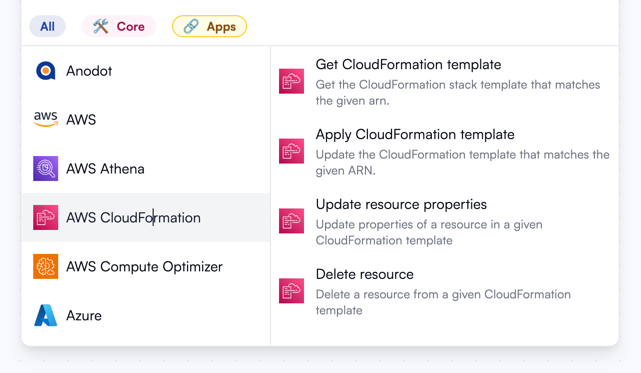
- AWS CloudFormation: update or delete resources in a CloudFormation template.
- Terraform: update or delete resources in a Terraform template, modify Terraform variables files.
- Other integrations:
- Snowflake: add rows to Snowflake tables.
- GitHub: retrieve file content, create pull requests, or trigger GitHub Actions runs.
- Archera: apply commitment plans for cloud providers.
Interact with project management tools
These actions allow you to retrieve and update data in issues and boards in project management tools.- Jira Cloud: search, create, or update issues and issue comments.
- Monday.com: manage boards, groups, columns, and items.
- Linear: create and update projects, issues, and comments.
- ServiceNow: perform calls to service or operations management APIs.
- Zendesk: make API calls to Zendesk to create or update tickets, create chat messages, and more.
Save data and report
These actions help store and share information collected during workflow runs.- OpenOps Tables: create and update records in tables.
- SFTP: create or read files on a remote server via SFTP.
- Storage: store data in and read it from your OpenOps installation’s key-value storage. The storage is accessible at run, workflow, and project levels.
- SMTP: send emails.